Smart Plug Automation, and the One Thing Your Plug Should Never Touch

You are already in bed when you remember the lamp in the living room. It will burn all night, the same as it did last Tuesday, because getting up to switch it off is the one chore that never feels worth the walk. Smart plug automation fixes that in about ten minutes.
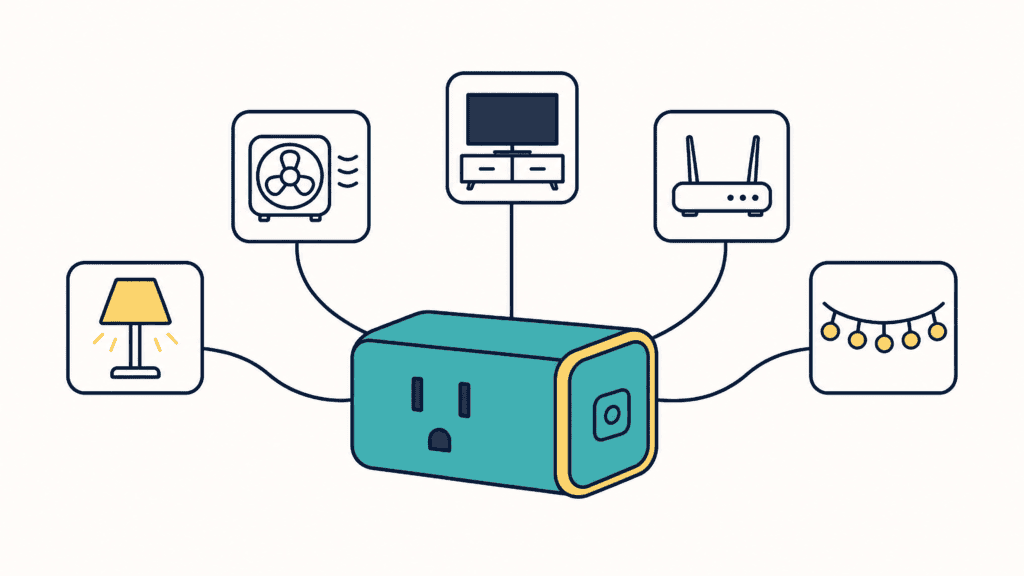
A smart plug is a small adapter that goes into a wall outlet. You plug a lamp or a fan into it, and an app on your phone switches the power on and off: on a schedule, at sunset, or when you leave home.
Some links in this post are affiliate links. As an Amazon Associate, SmartHomeLabs earns from qualifying purchases, at no extra cost to you.
What a Smart Plug Can and Cannot Do
So one rule decides whether a device will work: it has to turn itself on when power comes back. A lamp with its switch left on does. A box fan with a mechanical dial does. A coffee maker with a touch panel usually does not, because it wakes up in standby and waits for someone to press Start.
💡 Try the switch test: Before you buy anything, unplug the device with its switch on, plug it back in, and watch. If it springs to life, it will work on a smart plug.
Five Smart Plug Automation Routines to Set Up
Every routine has two parts: a trigger, which is the thing that sets it off, and a result.
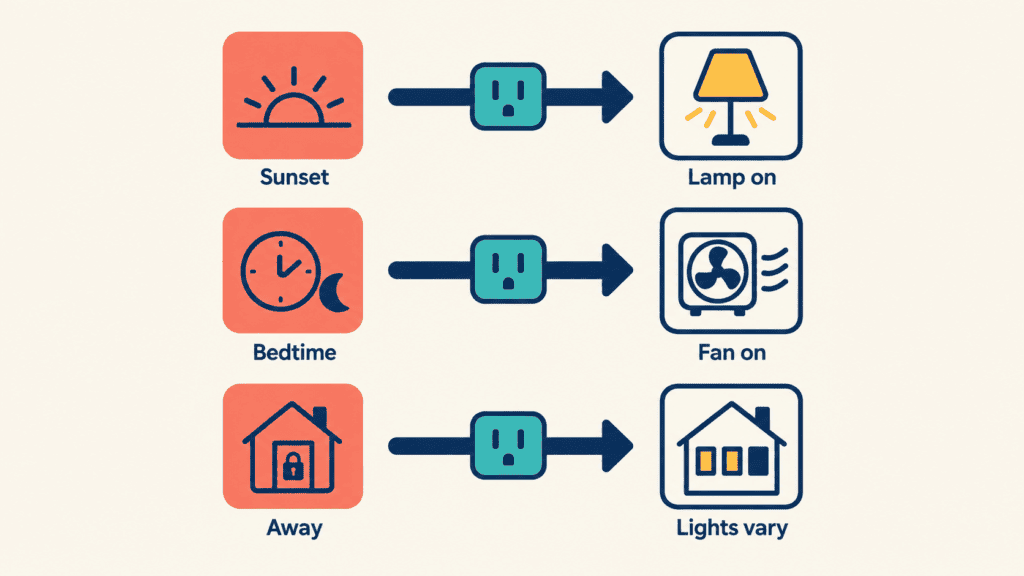
Lamps On at Sunset
A sunset trigger moves with the seasons, so you never reset it. Pair it with a fixed bedtime off. For lamps that make this worth doing, see our cozy lighting ideas. The same trigger runs porch lights or patio string lights on an outdoor plug.
Lights That Look Lived In
Away or vacation mode switches a lamp at slightly different times each evening. A house that goes dark at exactly 10:00 every night reads as empty.
A Fan That Starts Before Bed
Start a bedroom fan 30 minutes before you turn in and stop it a few hours later. It pairs well with the tricks in how to cool down a room fast .
Cutting Standby Power at the TV
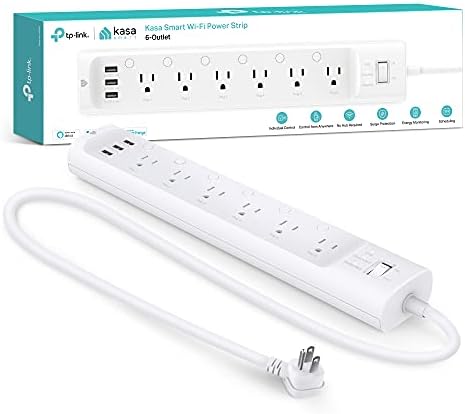
A TV, soundbar, console and streaming box all use power around the clock, even when they look off. A smart power strip switches each outlet on its own schedule, so the whole cabinet can go dark overnight while the router beside it stays on.
The One Thing to Keep Off a Smart Plug
⚠️ Space heaters: Do not plug a space heater into a smart plug. Most US smart plugs are rated for 15 amps, and a 1,500 watt heater draws about 12.5. Anything that runs for three hours or more should stay under 80 percent of that rating, which is 12 amps. Many heater manuals also say not to use a timer, and a smart plug counts as one. The Consumer Product Safety Commission recommends pluging heaters straight into a wall outlet.
Skip these as well:
- Refrigerators, freezers and air conditioners. Their startup surge can exceed the plug’s rating. TP-Link lists them among the loads its plugs do not support.
- Anything that has to stay on, such as medical equipment or a sump pump.
- EV chargers, and an ordinary power strip plugged into a smart plug.
The Types of Smart Plug
Pick the shape for the spot, then the connection for your home.
By Shape
- Standard plugs are the default. Some block the second outlet.
- Mini plugs leave the neighboring outlet free.
- Smart power strips switch several outlets on one cord, each on its own.
- Outdoor plugs are weather-resistant, and the only kind for a porch.
- In-wall smart outlets replace the outlet itself, a job for an electrician if household wiring is new to you.
Any of these may add energy monitoring, which shows how much electricity the device uses.
For a first plug, a compact WiFi plug with energy monitoring is the simple choice.
If you want nothing sticking out of the wall, an in-wall outlet does the same job from inside the wall box.

By How They Connect
If you are not sure, buy a WiFi plug. It connects to the WiFi you already have and needs nothing else.
- WiFi plugs join your home WiFi directly. Most use the 2.4GHz band, which nearly every router has.
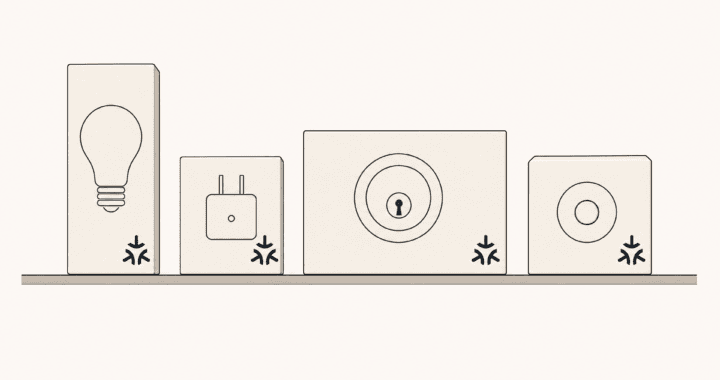
- Matter is a logo on the box, not a separate connection. It means the plug works with Apple Home, Google Home, Alexa and SmartThings alike. Our Matter explainer covers what the logo promises.
- Thread, Zigbee and Z-Wave plugs need a second box, called a hub or a border router, to reach your phone. Some smart speakers have one built in.
- Bluetooth plugs work only when your phone is nearby.
If you already own a smart speaker that works as a Thread border router, a Thread plug responds quickly and needs no sign-up with the maker.

How to Set Up Your First Automation
- Run the switch test on the device you want to control.
- Plug the smart plug into the wall and download the maker’s app on your phone.
- Follow the app to add the plug and join your home WiFi. Have your WiFi name and password ready.
- Name the plug after what it controls. “Living room lamp” works with a voice assistant. “Plug 2” does not.
- Pick one trigger: a time, sunset, or away mode.
- Watch it run before adding the next one.
💡 Keep schedules on the plug: Build schedules in the plug’s own app. Schedules stored on the plug generally keep running when the internet drops. Schedules that live online stop until it returns.
Frequently Asked Questions
Does a smart plug work with Alexa or Google Home?
Most do. Check the box for the assistant you use, or look for the Matter logo, which covers all the major ones.
Can I control a smart plug when I am not home?
Yes with a WiFi plug, through the maker’s app, as long as your home internet is on. A Bluetooth plug only works when you are nearby.
Do smart plugs need a subscription?
In general, no. Scheduling and remote control are free in the major brands’ apps. For devices that do charge, see the hidden math behind your smart home subscriptions.
How much power does a smart plug use by itself?
Around a watt when idle, a dollar or two a year per plug.
Start With One Lamp at Sunset
Tonight, pick the lamp you forget most often. Run the switch test, then set it to come on at sunset and off at bedtime. Every other smart plug automation is the same move repeated: one device, one trigger, and a week to prove it belongs.