UWB Smart Locks: How Hands-Free Unlocking Works, and Where Aliro Fits

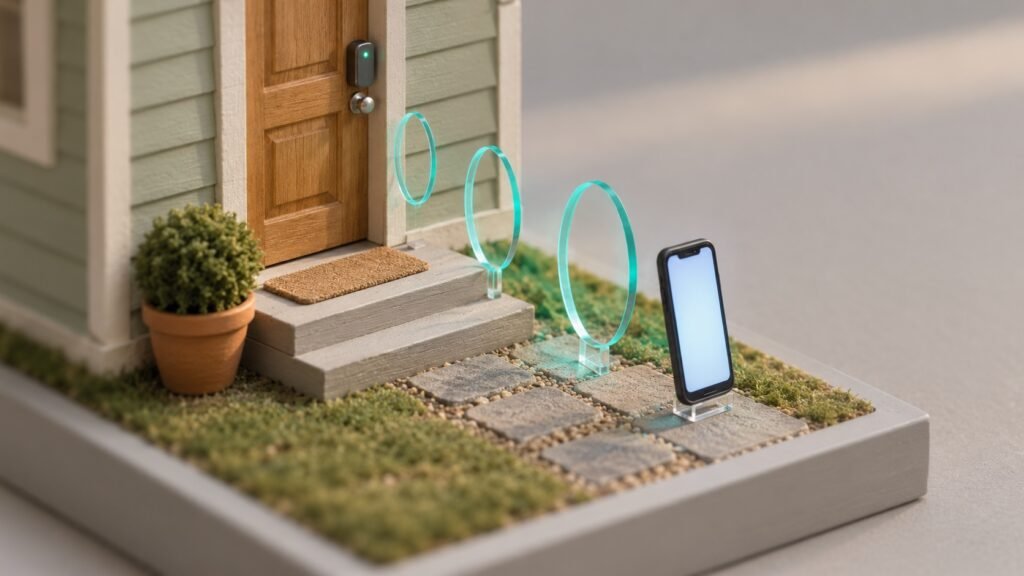
You reach the front door with a grocery bag in each hand and your phone in a back pocket. The door is already unlocked. You did not tap anything, type a code or open an app, and that is the job a UWB smart lock is built for.
A UWB smart lock uses ultra-wideband radio to measure how far away your phone is, and which direction it is coming from, to within a few centimeters. That precision lets the lock open as you walk up from outside, and stay locked while you are inside or just walking past.
This guide covers what UWB is, why it beats Bluetooth auto-unlock, which phones have it, and where Aliro, the new door key standard, fits in. The short version: UWB makes walk-up unlocking accurate, and Aliro lets any phone open any lock that supports it.
What Is UWB?
Ultra-wideband is a short-range radio that sends very brief pulses across a wide slice of spectrum, above the 2.4 GHz and 5 GHz bands your WiFi uses. Because each pulse is so short, a receiver can time its arrival precisely, and timing is distance. Two UWB devices can work out how far apart they are and, with more than one antenna, the angle between them.
Your phone may already have it. Apple lists UWB on every iPhone from the iPhone 11 on, apart from the budget iPhone 16e and 17e. On Android it is mostly a flagship feature: Google lists it on several Pixel models, and Samsung puts it in its Plus, Ultra and Fold phones. It is the same chip that lets a phone point you to a lost tracker tag.
How a UWB Smart Lock Unlocks as You Walk Up
The lock and your phone run a short exchange as you approach. Bluetooth wakes the connection first, because it uses less power, then UWB takes over to measure distance and direction. When the lock sees an authorized phone within a set distance, outside the door and moving toward it, it unlocks.
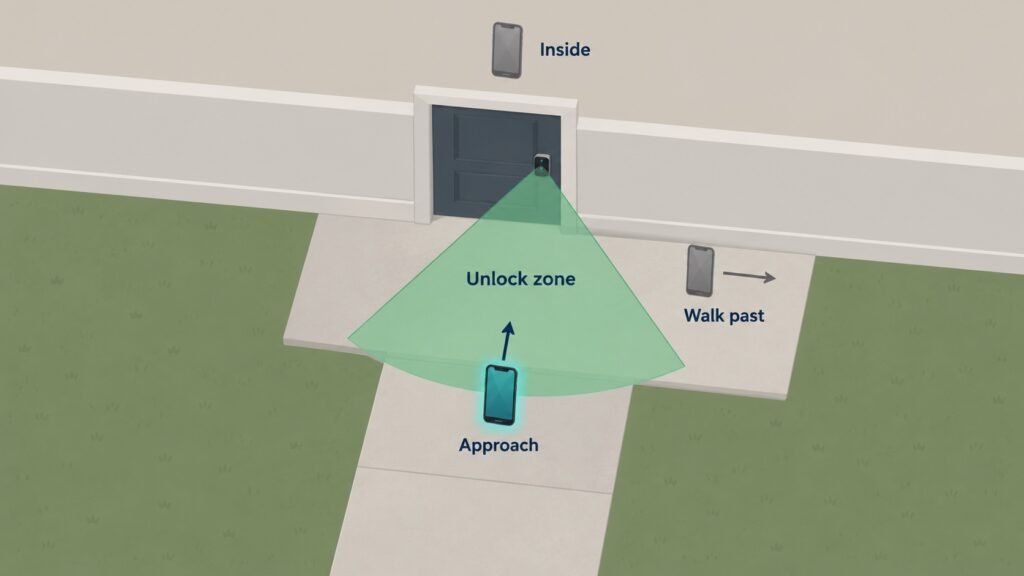
Direction is what makes it reliable. Aqara’s U400 uses range and angle together to judge whether you mean to come in, and MacRumors reported that it lets you limit unlocking to one approach angle, such as straight on or from the left. In their test, it opened once a pocketed iPhone came within a foot or two of the door.
💡 Tip: Set the approach angle to match the way you really walk to the door. A side approach from the driveway needs a different setting from a straight walk up the front steps.
UWB vs Bluetooth: What Is the Difference?
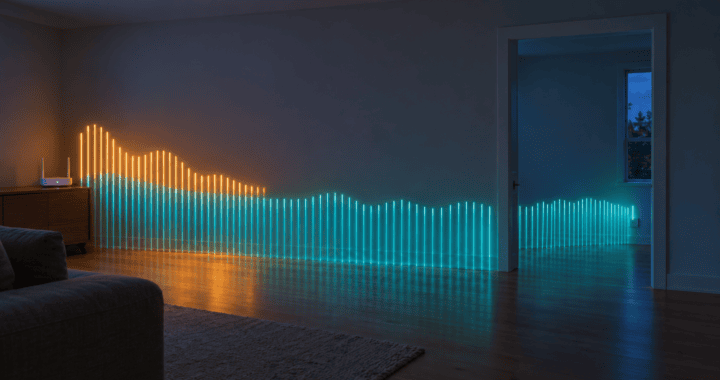
Bluetooth estimates distance, and UWB measures it. Bluetooth auto-unlock judges how close you are from signal strength, which shifts with walls, bodies and where your phone sits in a bag. That is why Bluetooth auto-unlock has a reputation for opening while you are still in the driveway, or not until you have stood at the door for ten seconds.
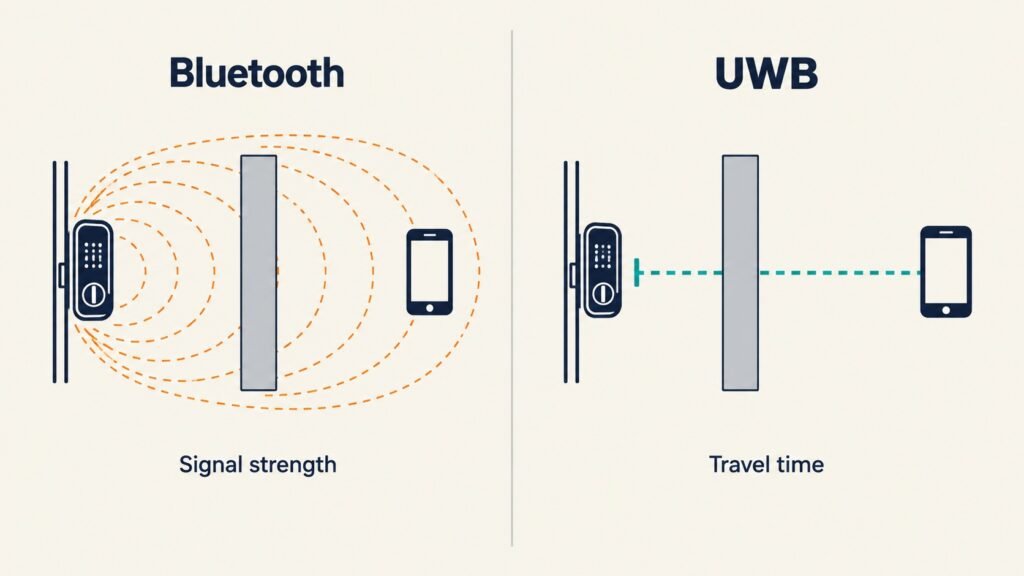
UWB times the signal instead. A travel time does not change because your phone is in a back pocket, so the lock can tell two feet from twenty, and inside the door from outside it.
Timing helps with security too. In a relay attack, a thief passes your phone’s signal along to the lock from farther away, which fools a lock that judges distance by signal strength. Relaying adds travel time, and a lock that measures travel time can catch it.
⚠️ Warning: Plenty of locks sold as hands-free use Bluetooth or your phone’s location, not UWB. Look for UWB or ultra-wideband by name on the spec sheet before you pay for the feature.
Do UWB Smart Locks Work With Android?
They can, but only when the phone and the lock both support the same standard, and that second part has been the catch. Until this year, hands-free UWB unlocking mostly ran through Apple Home Key, which works only with iPhone and Apple Watch. Android phones with UWB had the radio, and almost no locks to use it with.
Aliro is what changes that. Aqara describes the U400 as Aliro enabled and says its hands-free unlocking will extend to more devices across ecosystems. ULTRALOQ’s Bolt Pro and Latch 5 Pro are Aliro certified for tap-to-unlock with Apple and Samsung wallets, though not for hands-free UWB.
What Is Aliro?
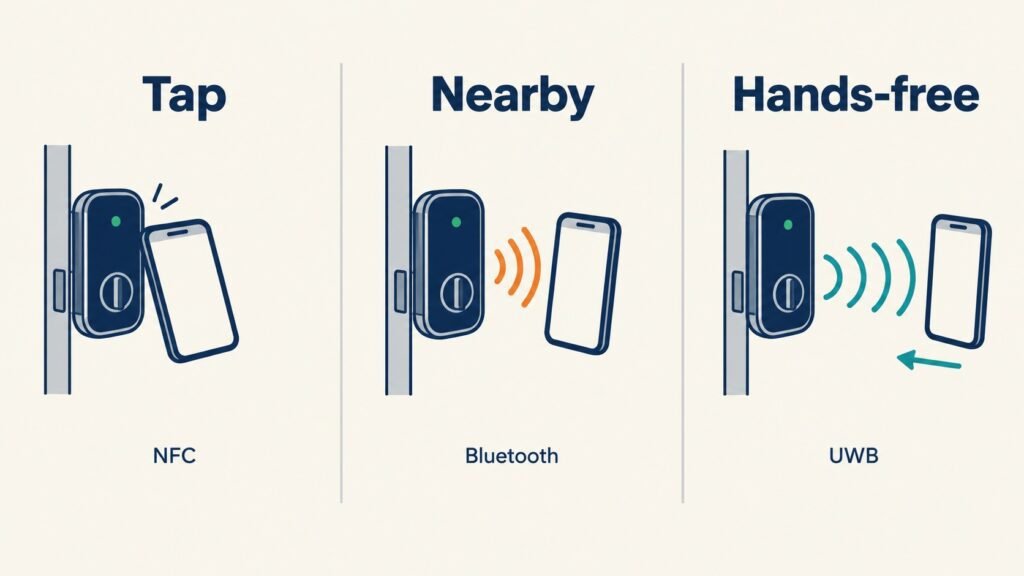
Aliro is an open standard for unlocking doors with a phone or watch. The Connectivity Standards Alliance, the group behind Matter, published Aliro 1.0 on February 26, 2026, with Apple, Google and Samsung all backing it. It defines three ways in:
- Tap: NFC. You hold your phone to the lock, the way you pay at a register.
- Nearby: Bluetooth, for unlocking from a short distance when you choose to.
- Hands-free: Bluetooth plus UWB, the walk-up unlock described above.
Your key lives in the wallet app already on your phone, not in a lock maker’s app. The exchange between phone and lock uses public and private key pairs, the same kind of cryptography that secures websites.
Aliro vs Apple Home Key
Home Key came first, and Aliro builds on it. Apple’s Home Key already handles tap and hands-free unlocking, but only for Apple devices. Aliro takes the same core idea, developed with Apple inside the Alliance, and opens it to every phone maker. Some locks support both: the U400 runs Home Key today and is Aliro enabled.
What to Check Before You Buy
- Your phone. Search its spec page for ultra-wideband. Every phone in the house needs it for everyone to get hands-free entry.
- The lock. Look for UWB by name, and for Aliro certification if the household mixes iPhone and Android.
- New hardware. Aliro needs the right radios inside the lock, so most existing locks cannot be updated into one. Plan on a replacement, not a firmware update.
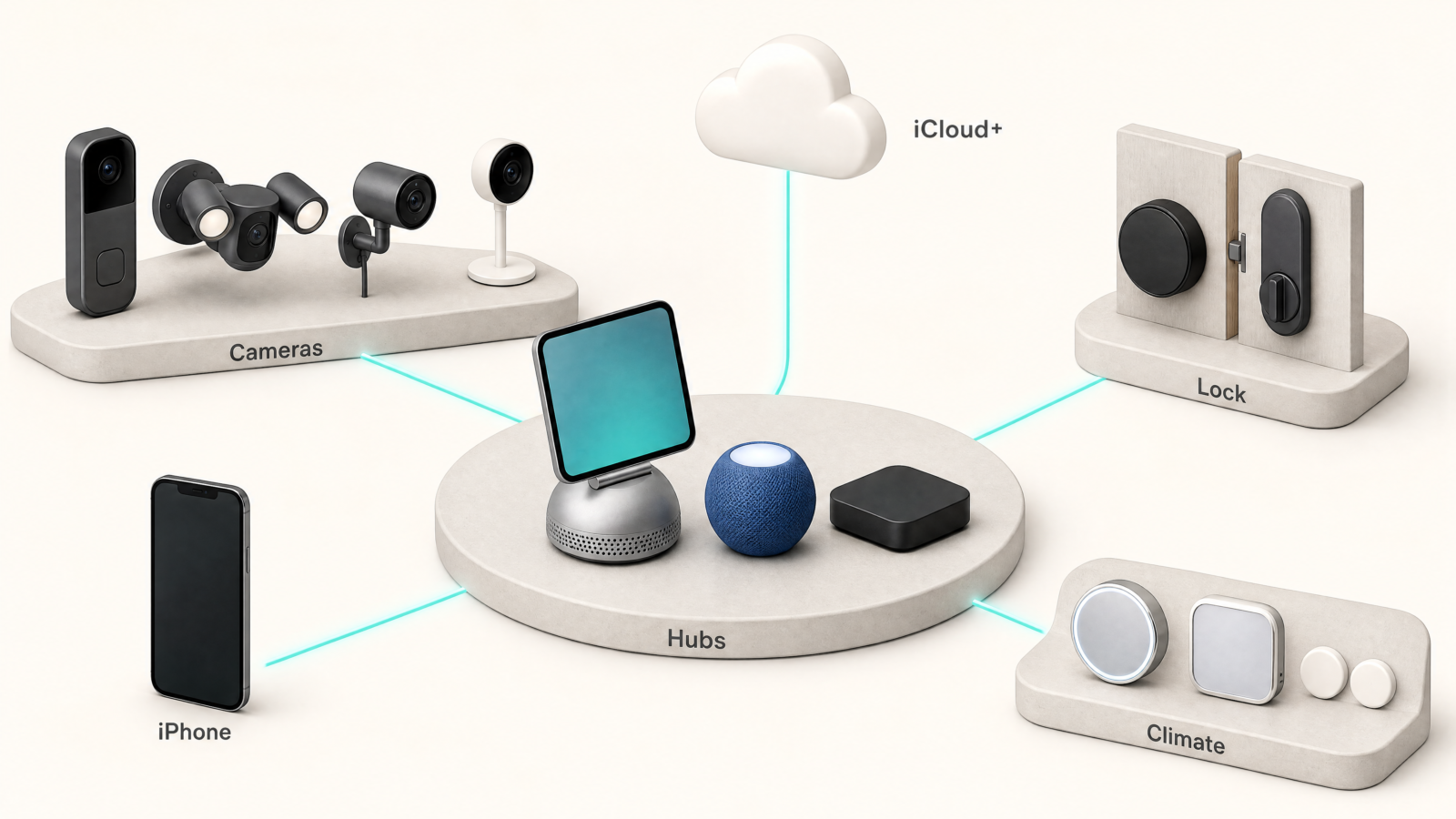
- Your hub. Many of these locks use Matter over Thread, which needs a Thread border router, such as an Apple TV 4K or HomePod mini, for remote access.
The Trade-Offs Worth Knowing
Aliro is months old. The Alliance has said features such as secure key sharing will come in later versions, and certified locks are still few. Buying now means buying early.
UWB locks also sit at the top of the price range, and the hands-free part only works for people whose phones have the chip. A guest with a budget phone still taps or types a code.
Frequently Asked Questions
Aliro vs Matter: Do I Need Both?
They do different jobs. Matter connects the lock to your smart home app, so you can check it, lock it from anywhere and run automations. Aliro handles the moment your phone meets the lock. A lock can support both, and the U400 does.
Is Ultra-Wideband Worth It on a Lock?
It is worth it if you often arrive with full hands and everyone at home carries a UWB phone. If tapping your phone or typing a code is fine, an NFC or keypad lock does the job for less.
Can a UWB Lock Unlock While I Am Inside?
A well set-up one should not. UWB can tell which side of the door your phone is on, which is the main thing it fixes over Bluetooth auto-unlock. Direction settings, like the U400’s approach angle, add a second check.
Check Your Phone First
Before you shop, open your phone’s spec page and search for ultra-wideband. If it is there, a UWB smart lock with Aliro certification is the one to look for. When you are ready to compare models, our smart locks guide covers the current picks.
Sources
- Introducing Aliro 1.0, Connectivity Standards Alliance
- Aliro: The Mobile Access Credential Standard, Connectivity Standards Alliance
- Ultra Wideband availability, Apple Support
- Pixel phone hardware tech specs, Google
- Smart Lock U400, Aqara