Voice Assistant Privacy: What They Hear and How to Stay Safe

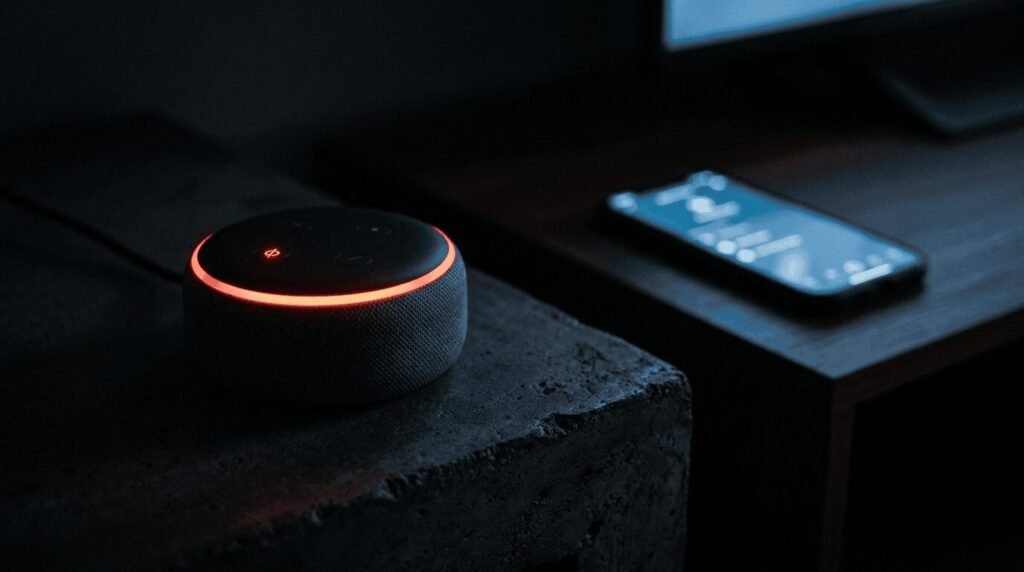
Voice assistants have quietly moved into millions of homes. You talk, they answer, and somehow the coffee timer is set. Most people never stop to ask what happens to their voice once it leaves their mouth. That question matters, because these devices are always waiting for their cue to listen. This guide covers what voice assistants are, the main types, and the real privacy concerns. It also covers simple ways to lower your risk. For a plain-language starting point, the FTC guide to securing a voice assistant is worth a look.
What Is a Voice Assistant?
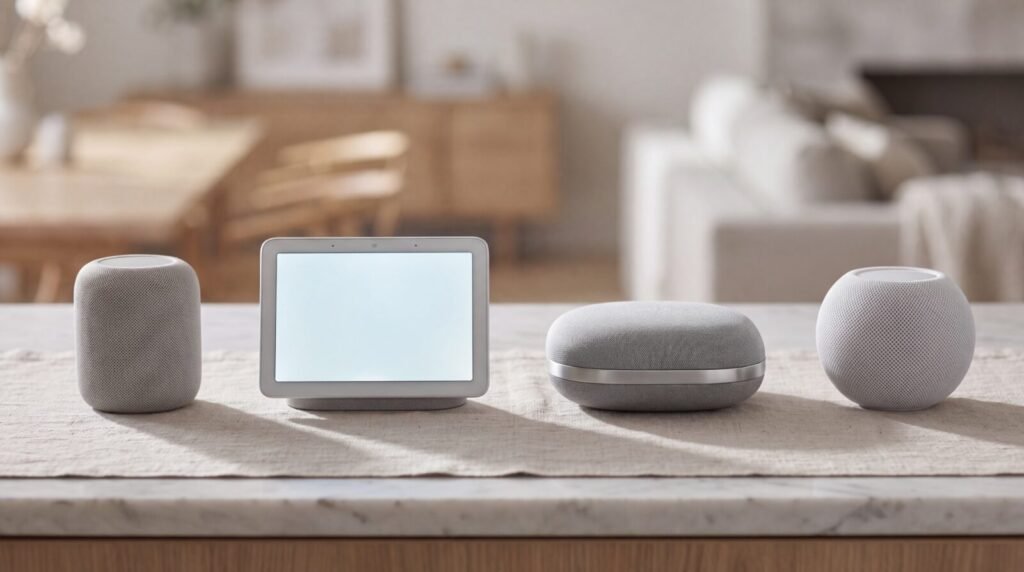
A voice assistant is software that listens for spoken commands and responds. Ask it a question, and it searches for an answer. Give it a task, and it tries to carry it out. Common examples include Amazon Alexa, Google Assistant, Apple Siri, and Samsung Bixby.
Under the hood, most of them work the same way. A small program on the device listens only for a wake word. Once it hears that word, it starts recording and sends your request to the company servers. Those servers do the heavy lifting, then send a response back in a second or two.
The Main Types
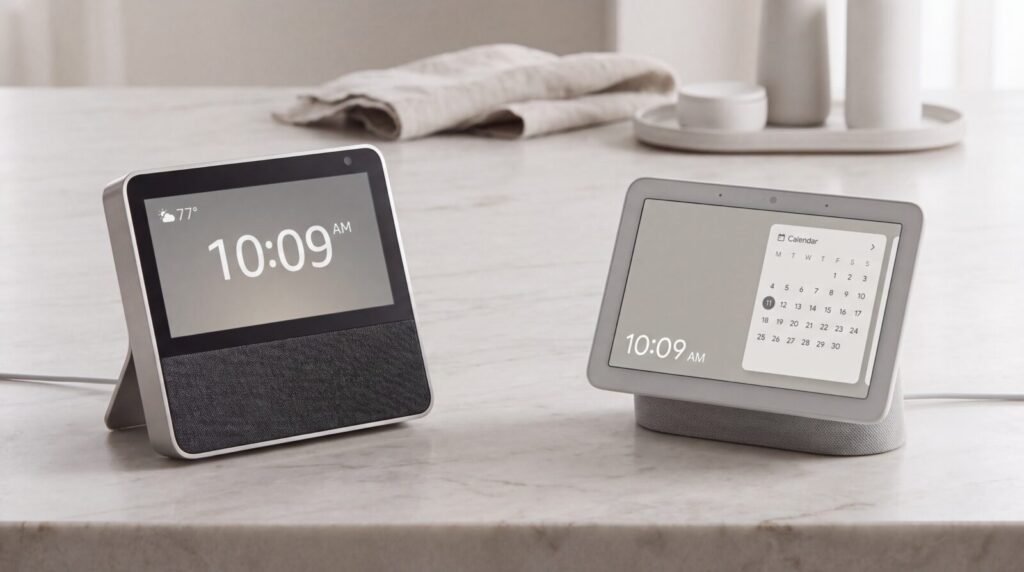
Voice assistants show up in more places than most people realize. Here are the main ones you will meet.
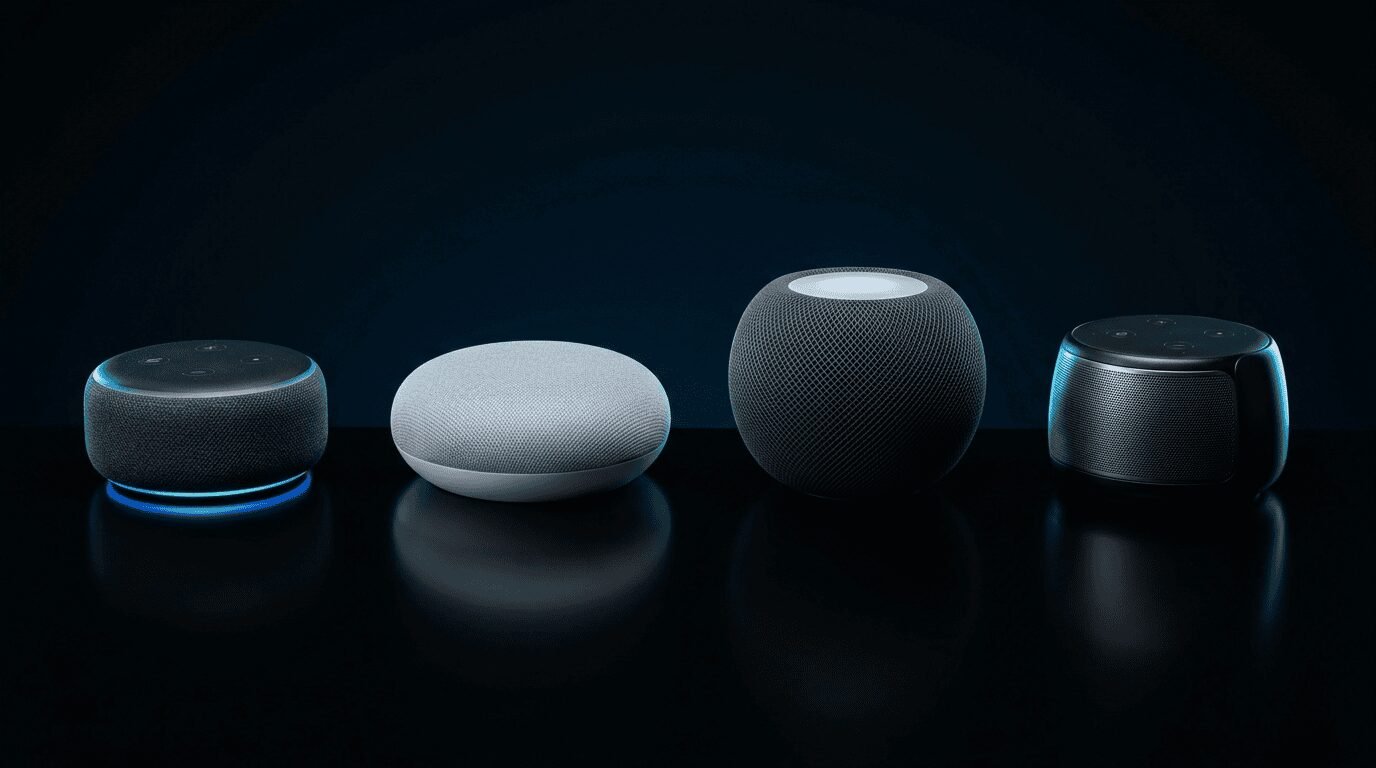
- Smart speakers: Standalone devices like Amazon Echo or Google Nest that sit on a counter.
- Phone assistants: Siri and Google Assistant built into the phone in your pocket.
- Smart displays: Speakers with a screen, handy for recipes, video calls, and photos.
- Wearables: Smartwatches and earbuds that let you talk without reaching for a phone.
- Cars and TVs: Built-in assistants in newer vehicles and streaming remotes.
Where the Privacy Concerns Come From
None of these concerns mean voice assistants are spying on your every word. Each one is worth understanding, though, so you can decide what you are comfortable with.
The “Always Listening” Question
Your assistant is listening, but not the way people fear. It runs a small program that waits only for the wake word. Nothing gets sent to the company until it thinks it heard that word. The catch is false wake-ups, when a similar sound triggers a recording you never meant to make. Apple spells out how much runs on the device itself in its Siri and Dictation privacy notice.
Humans May Hear Clips
Recordings are usually reviewed by software, not people. Even so, Amazon, Google, and Apple have all used human reviewers to check snippets for quality. Many users never knew a real person might hear them. All three now offer a way to opt out, such as Apple’s Improve Siri and Dictation setting.
Recordings Stick Around
Most assistants save your voice history by default. That history can sit on the company servers for months or longer. Few people ever open the settings page to delete it. The good news is that clearing it takes about a minute. Just visit your Alexa voice history settings or your Google audio activity page.
Skills and Apps Ask for Access
Voice assistants let you add extra features, called skills or actions. Some of these request access to your location, contacts, or shopping history. The permission screen is easy to tap through without reading. Treat these like phone apps, and only add ones you trust.
Everyone in the Room Is Recorded
A voice assistant cannot tell who is speaking to it. Guests and children get recorded the same as the owner. There is no way for a visitor to opt out by voice. Worth keeping in mind if you place one in a busy family space. If you already run a smart lock or a doorbell camera, you have likely weighed a similar trade-off already.
How to Lower Your Risk
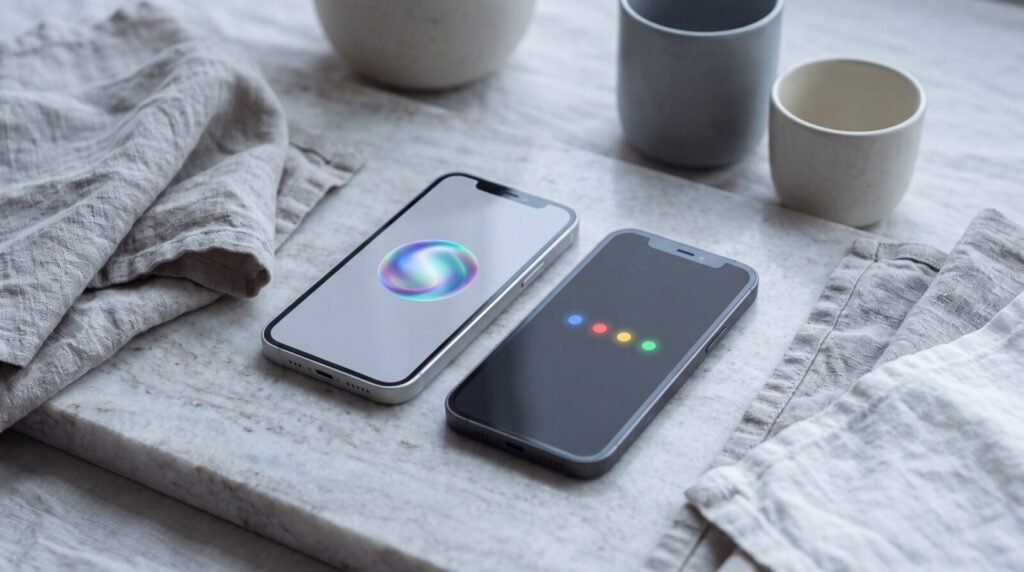
You do not have to unplug the device to protect your privacy. A few settings changes handle most of it. The FTC checklist for connected devices at home backs up the basics. For more ways to lock things down, see our guide to upgrading your home security.
- Turn off human review. Look in the privacy menu for voice recording review and switch it off.
- Auto-delete your history. Set recordings to clear after three months, or remove them manually.
- Mute the mic when you want quiet. Every smart speaker has a physical button that cuts the microphone.
- Review your skills and apps. Remove any add-ons you no longer use or do not recognize.
- Skip the sensitive stuff. Avoid linking accounts you would not want exposed if your login was stolen.
💡 Quick check: Say “delete what I just said” to Alexa or Google to wipe your last command on the spot.
Alternatives Worth Knowing

If the trade-offs still bother you, you have options. None of them mean giving up convenience entirely.
- Push-to-talk assistants: Phone assistants only listen when you press a button, so no open mic sits at home.
- On-device processing: Some newer assistants handle more requests on the device instead of the cloud.
- A simple mute habit: Keeping the speaker muted until you need it removes the always-on concern.
- Going without: A basic smart plug or timer handles many tasks with no microphone at all.
Frequently Asked Questions
Do voice assistants record everything I say?
Voice assistants record only after they detect their wake word, not around the clock. The main exception is a false wake-up, when a similar sound triggers a short recording by mistake. Those clips can be viewed and deleted in your account history.
Can I stop a person from listening to my recordings?
Human review of voice clips can be switched off in the privacy settings of Alexa, Google Assistant, and Siri. Turning it off means recordings are no longer sampled by quality reviewers. The setting usually sits under voice or privacy in the companion app.
How do I delete my voice history?
Voice history lives in the assistant companion app under a privacy or activity section. Most platforms let you delete recordings on a schedule or all at once. Setting an auto-delete window of three months keeps the history from piling up.
Are voice assistants safe for a home with kids?
Voice assistants record any speaker in the room, including children and guests, with no verbal opt-out. Placing the device in a shared space rather than a bedroom limits how much private talk it hears. Parental controls can also restrict purchases and filter content.
What is the most private voice assistant?
Assistants that process more requests on the device tend to keep more data local. Push-to-talk options on phones also avoid an always-on microphone at home. No mainstream assistant is fully private, so settings and habits matter more than brand.
Voice assistants are not the eavesdropping machines some headlines suggest. They are convenient tools with a few settings worth knowing. Spend five minutes in the privacy menu and build a simple mute habit. You get the help without the worry.